Open a form and go to its Responses tab (or Responses in the main nav) to see everything it has collected.
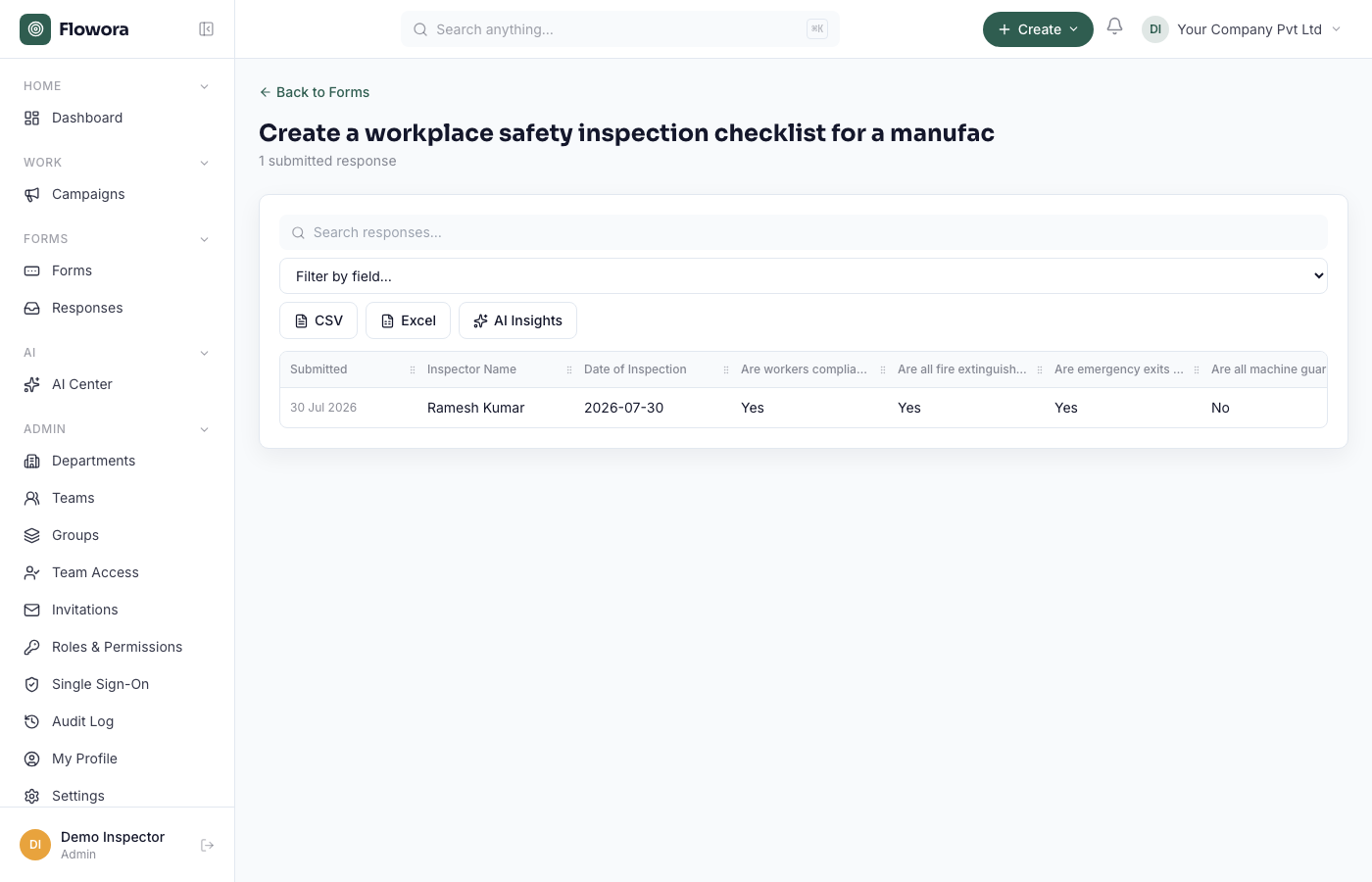
The table
Each row is one submission, newest first, with a column per field. Click a row to open the full response, including uploaded files.
Export
- CSV — one row per response, for a spreadsheet or another system.
- Excel — the same data as an
.xlsxfile.
The export respects any search or filter you've applied, so you can export just a segment.
Delete
Delete a single response from its row, or select several and bulk-delete. Deletion is permanent. Deleting responses never changes the form itself.