Open the editor's Design panel to change how a form looks to respondents.
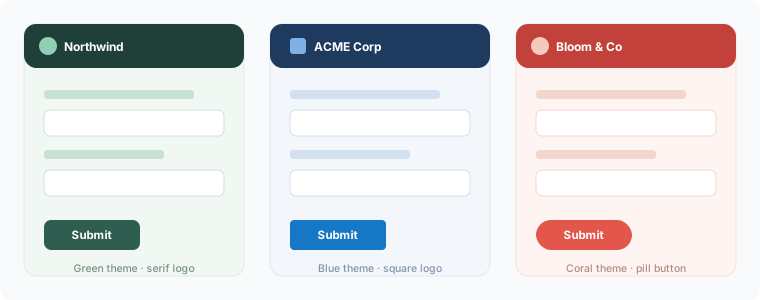
What you can change
- Theme preset — pick a starting palette, then override individual colours
- Accent / primary colour
- Background and surface colours
- Font
- Logo — upload an image shown at the top of the form
Where the logo is stored
An uploaded logo is validated (jpg, jpeg, png, gif, or webp) and stored with your account. It's shown on the published form and on the thank-you page.
Consistency across forms
Theme settings are per-form. Duplicate a branded form as a starting point for the next one to keep them consistent, or start each from the same template.