Beyond showing and hiding fields, logic rules can write to a field.
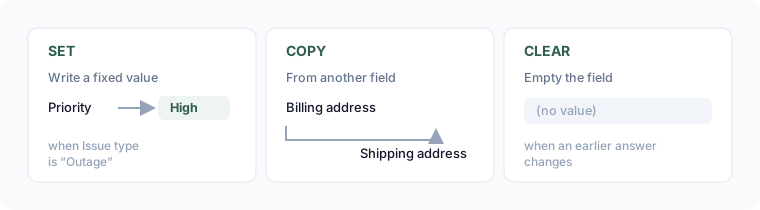
The three data actions
- Set a value — write a fixed value into the field when the conditions are met (e.g. set Priority to High when Issue type is Outage).
- Copy from another field — write another field's live answer into this one (e.g. copy Billing address into Shipping address).
- Clear the value — empty the field when the conditions are met (useful when an earlier answer changes and a previous entry no longer applies).
Add one
- Select the target field.
- Open its Logic section and add a Data action rule.
- Choose Set, Copy, or Clear.
- For Set, enter the value. For Copy, pick the source field.
- Add the conditions (same rows as show/hide), combined with ALL / ANY.
- Save.
Notes
- A field can't copy from itself.
- Data actions run as the respondent fills the form — the value updates live when a condition flips.