A field can be always required, never required, or conditionally required.
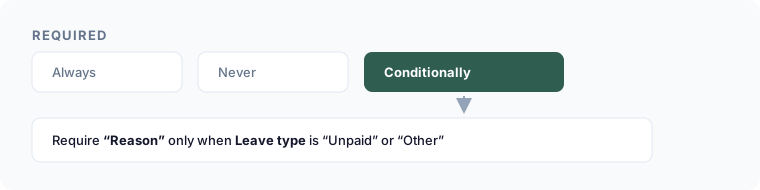
Conditional required
- Select the field.
- In its settings, set Required to Conditionally.
- Add the conditions that make it required — same field → operator → value rows as show/hide logic, combined with ALL or ANY.
- Save.
Example
On a leave request form, make Reason required only when Leave type is Unpaid or Other — routine paid leave doesn't need it, unusual leave does.
How it interacts with visibility
A field that is hidden by a show/hide rule is never enforced as required while it's hidden, regardless of its required setting.