The fastest way to start is to describe the form you need and let AI draft it.
Steps
- Sign in and go to Forms → New form.
- Choose Create with AI.
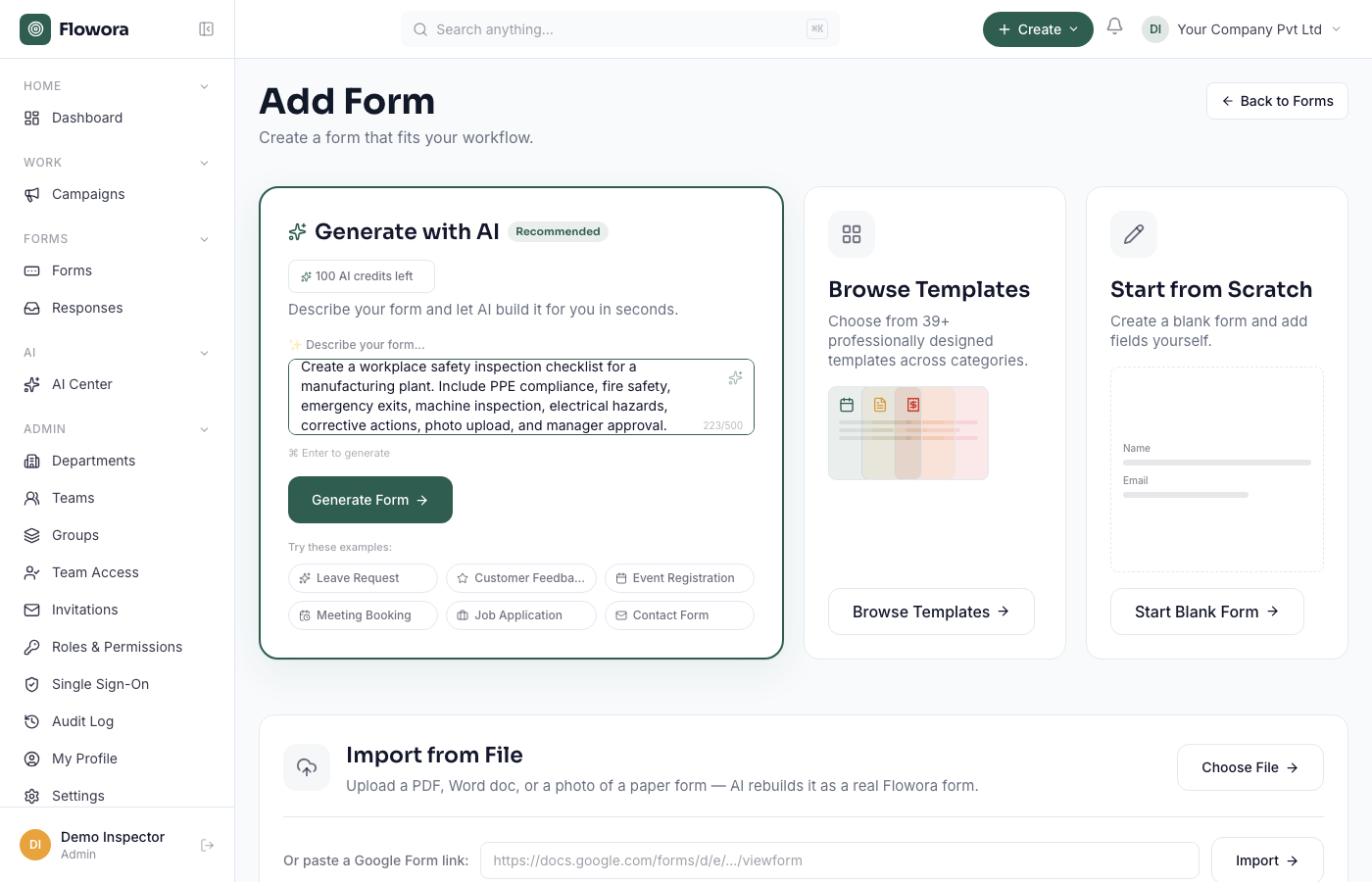
- Describe the form in plain English — for example: "A job application form with name, email, phone, the role they're applying for, a resume upload, and a question about notice period."
- Flowora generates the form with the right field types. This takes a few seconds.
- Review it. Every field is editable — see Edit fields in the drag-and-drop builder.
- Click Publish when you're happy, then copy the share link.
No account yet?
You can try it without signing up at flowora.one/create. When you're ready to save or publish, you'll be asked to create a free account and your draft carries over.
Prefer a starting point?
Browse form templates instead of a blank page — pick one, then edit it the same way.