A form only accepts responses once it's Published. While it's a draft, only you can see it.
Publish
- Open the form in the editor.
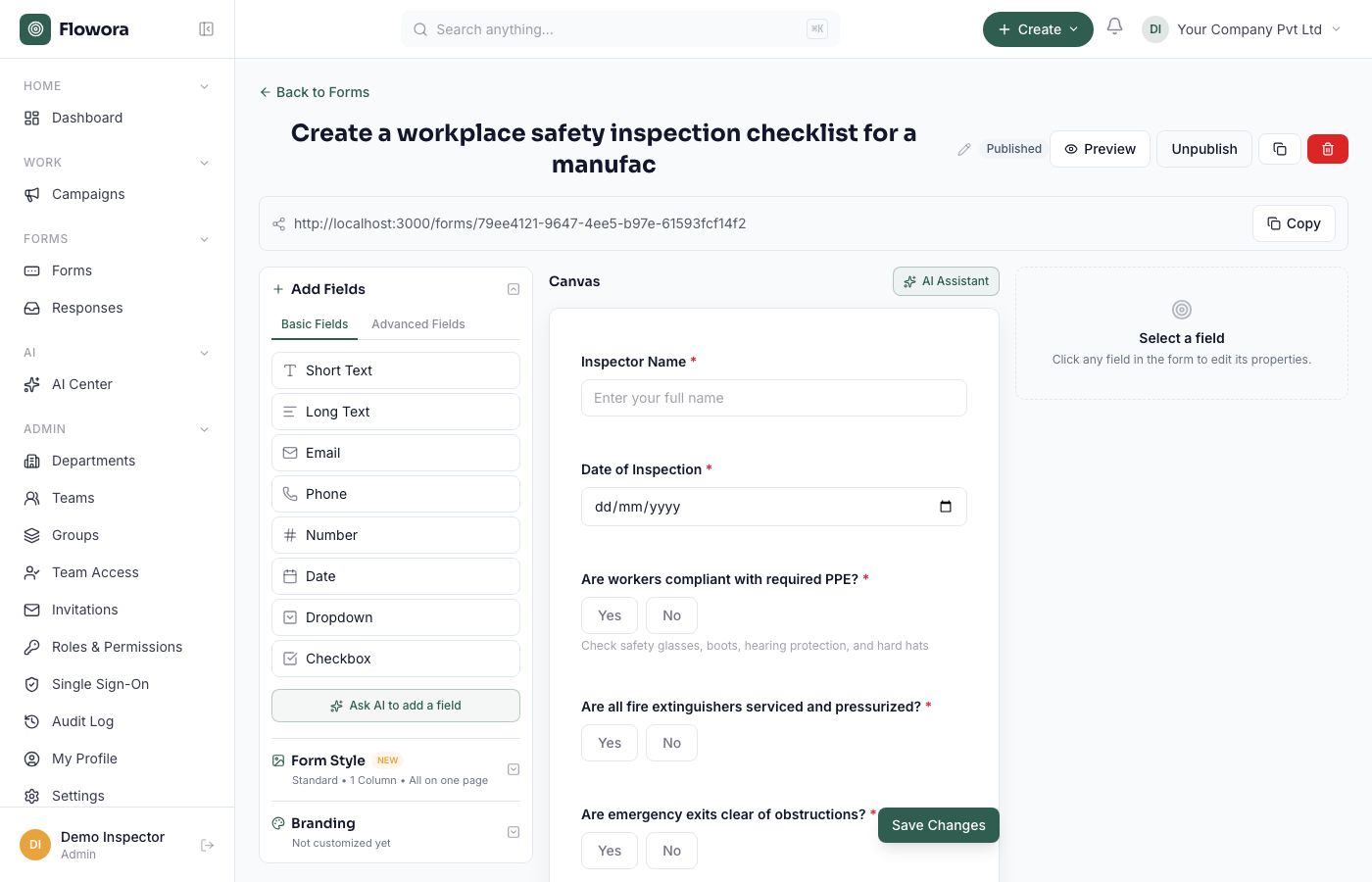
- Click Publish in the top bar.
- The status changes to Published and a public link is generated.
Share the link
Copy the link from the bar above the canvas and send it by email, chat, or put it on your site. Anyone with the link can respond — no Flowora account needed.
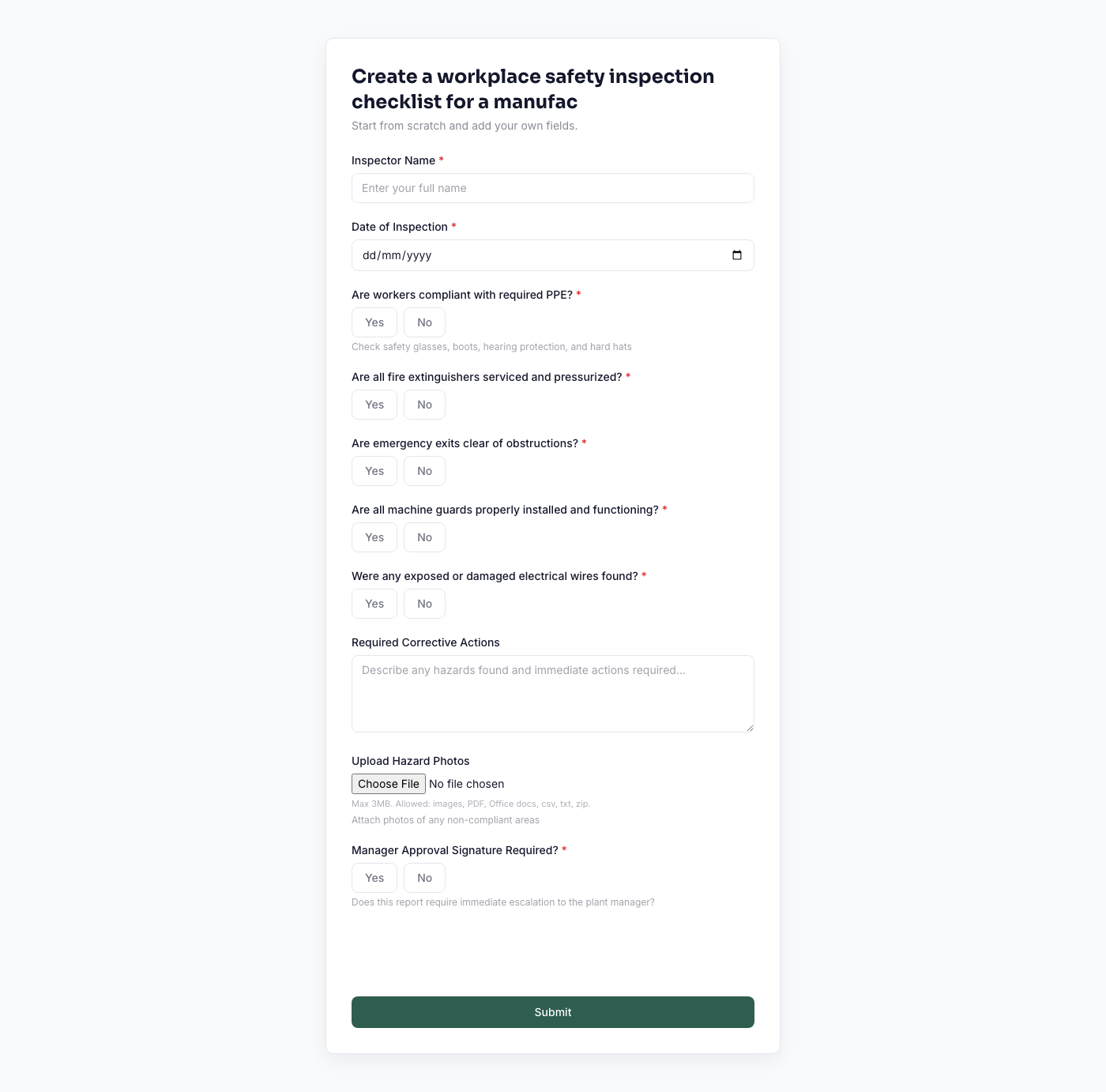
Embed it on a website
Use an <iframe> pointing at the form's public URL:
<iframe src="https://www.floworaone.com/forms/YOUR_FORM_ID" width="100%" height="700" frameborder="0"></iframe>
Stop accepting responses
Click Unpublish. The link then shows a "not accepting responses" message. Republish any time — existing responses are kept.
Editing after publishing
You can keep editing a published form. Changes are live as soon as you save. Adding or removing fields doesn't delete any responses already collected.