A workflow can write submitted answers to a Google Sheet you choose.
Follow these steps to connect one:
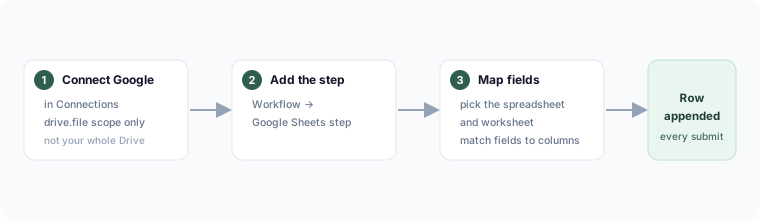
Connect Google
- Go to Connections and connect your Google account.
- Flowora requests the
drive.filescope — this only grants access to the specific spreadsheets you pick through Google's own file-picker, not your whole Drive.
Add the step
- In a form's Workflow, add a Google Sheets step.
- Pick the spreadsheet (and worksheet) with the file picker.
- Map form fields to sheet columns.
- Save. Each submission appends a row.
Revoke access
Remove the connection in Connections, or from your Google Account's Security → Third-party access page. Flowora never reads or writes any spreadsheet you didn't explicitly select.