First draft
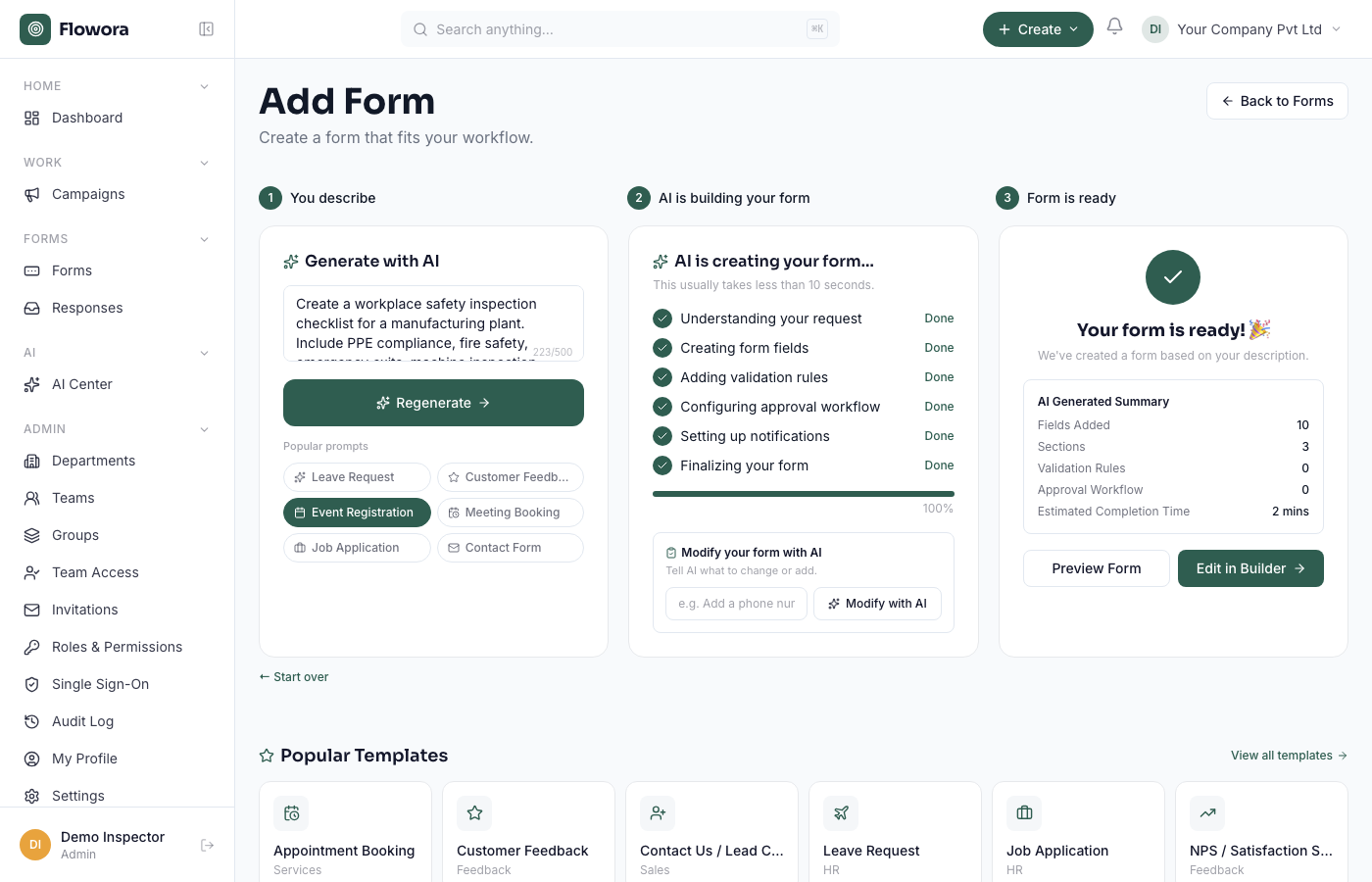
In New form → Create with AI, describe what you need. Be specific about the fields and their types:
"A vendor onboarding form: company name, registration number, primary contact name and email, bank details, a W-9 upload, and a yes/no on whether they've worked with us before."
AI returns a complete, editable form in a few seconds — you'll see a summary of the fields it added.
Refine it
The AI panel stays available after the first draft. Give it follow-up instructions to change the existing form — "add a field for expected monthly volume", "make the phone number required", "split this into two pages". Each instruction updates the form in place; the panel stays open for the next one.
Anonymous limit
If you're using the no-login builder at /create, there's a monthly free AI-token allowance. Signed-in accounts have their own allowance tied to the plan.
Is my prompt private?
Your prompt text and the form's current field list are sent to the AI provider (Google Gemini) to generate the response. Respondent answers are never sent to the AI. See the Privacy Policy.